

How to Fix Smartwatch Step Count Errors: Easy Home Solutions and When to Seek Help
How-to & fixes · 7 min read
Quick answer
To fix step count errors on your smartwatch, first tighten the strap, clean the sensor, update software, and calibrate using the app. If these steps don’t fix it, a technician’s check or selling the device is usually the next move—especially if repair costs run high or parts are hard to find.
You just wrapped up a morning walk and your smartwatch claims you barely moved. Or it racks up steps while you’re parked at a traffic signal, hand steady on the wheel. If your watch's step count seems random, you’re not alone—most step tracking errors are down to how you wear or set up your device, not a busted sensor.
Key takeaways
- Step count blunders are almost always caused by how you wear your smartwatch or set up its tracking—not by sensor failure.
- Tightening the strap, cleaning the sensor, and updating software usually fix step tracking at home.
- Always test with a known step count before assuming your device is faulty.
- If easy fixes and updates don’t work, and your device is older or parts are tough to source, repairs might not be worth it.
- Platforms like Cashit let you sell used smartwatches—even with some faults—after a doorstep inspection confirms the final value.
Why Is My Smartwatch Step Count Not Accurate? Common Causes Explained
Most step count errors happen because the accelerometer inside your smartwatch is sensitive to how (and where) you wear it. A loose strap, wrong wrist, or dirt on the sensor can throw readings off. Sometimes, software bugs or outdated firmware mess up data—especially if you’ve skipped updates.
Here’s a quick table matching symptoms to likely causes:
| Symptom | Likely Cause | Example Fix |
|---|---|---|
| Missing steps during walks | Strap too loose | Tighten strap |
| Steps counted while sitting | Sensitivity too high | Adjust in settings |
| Huge step jump after a drive | Wearing on dominant hand | Switch to non-dominant hand |
| Steps not syncing to app | Outdated software/app | Update and sync |
| Steps much lower than reality | Sensor dirty/misaligned | Clean and reposition |
For best accuracy, wear your watch just above your wrist bone, snug but not tight. Don’t let sweat, dust or skin oils build up on the back. If you notice odd step jumps (like after an auto ride), check if your settings are too sensitive.
How Can I Tell What’s Causing Step Count Problems on My Device?
Start by matching your symptoms to likely causes:
- Walk 100 steps in a quiet hallway or on your terrace. Compare what your watch records.
- Watch for extra steps while driving, typing, or sitting—if yes, your device sensitivity could be set too high.
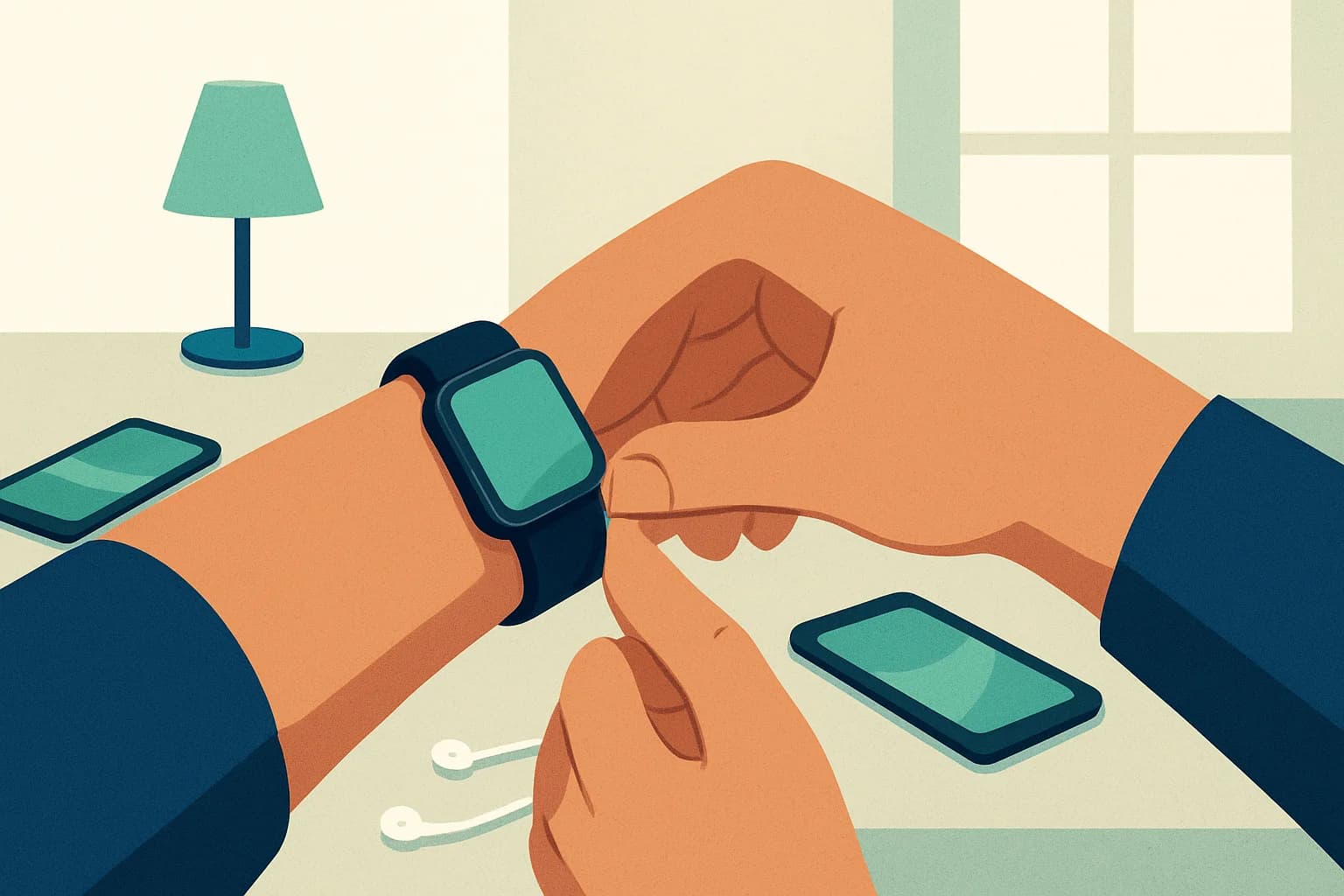
- Check the strap: it should be snug above your wrist bone, not loose or sliding around.
- Try the device on your non-dominant hand; some brands suggest this for better accuracy.
- Open the companion fitness app—see if data syncs regularly and check for errors.
- Note any drops, water exposure, or visible damage.
If your device only miscounts in certain situations (like while typing or during bumpy rides), it’s likely a settings or fit problem. If it’s always off, it could be a software issue or a hardware fault.
What Are the Safest and Quickest Fixes for Step Count Issues?
You can solve most tracking problems at home:
- Adjust the strap—snug, not too tight, above your wrist bone.
- Wipe the back and edges with a soft, dry cloth to remove sweat and dust.
- Restart your smartwatch or fitness band to clear glitches.
- If using a fitness band, try wearing it on your non-dominant hand if the manual suggests.
- Don’t wear the device over thick clothing or bangles.
- Walk a known number of steps and compare with the device reading.
Still not fixed? Time to check calibration and software settings.
How Do I Calibrate My Smartwatch or Fitness Band for Accurate Tracking?
Calibration is especially useful after a software update or reset:
- Update your watch and its app to the latest version (Play Store, App Store, or the brand’s official app).
- In your fitness app (like Google Fit, Samsung Health, or Apple Health):
- On Android: Settings > Apps > [Your Watch App] > Check for updates.
- On iPhone: App Store > Profile > Updates.
- Look for sensitivity or motion detection settings in the Device or Activity Tracking section. Adjust if available.
- Use any “Calibrate” or “Reset Step Count” feature—usually, you’ll be asked to walk a set number of steps.
- Sync with your phone after calibrating.
If you’re stuck, check the official help pages for your brand—Apple Support or Google Fit Help are good starting points.
What Device Settings Might Affect Step Tracking on Android and iPhone?
Settings on your phone can block or limit step tracking:
- Go to Settings > Apps > [Your Watch App] > Permissions. Allow Location, Motion/Physical Activity, and Background Activity.
- Turn off battery optimisation for the app: Settings > Battery > Battery Optimisation > [Your Watch App] > Don’t optimise.
- Check your phone’s time zone and region: Settings > System > Date & Time. If these are off, logs may misalign.
- Keep Bluetooth on for syncing.
When Should You Take Your Device to a Service Centre for Step Count Issues?
If you’ve tried every troubleshooting step above and the watch still messes up your step count, it’s time to let a professional sort it out. Head for a service centre if:
- The watch or band shows damage, or the sensor looks scratched or cloudy (maybe from water exposure).
- Syncing fails, even after resets and updates.
- You get sensor error messages, or the step count never changes from zero.
- Calibration and software fixes haven’t improved things.
If you’re under warranty, don’t open the device—just hand it over. Out of warranty? Always ask for a repair quote before approving work. For older or budget smartwatches, sensor repairs are rarely worth the money.
When Is Repair Not Worth It—and What Should You Do Instead?
If fixing your watch is nearly as expensive as buying a new one, or the parts are impossible to find, selling just makes more sense. Basic or out-of-date models usually aren’t worth the cost of a sensor swap. Go to Cashit’s smartwatch page, answer a few quick questions about the watch’s working condition and looks, and you’ll get an instant price estimate on the screen. The amount is based on your answers. After someone visits for a doorstep check, you’ll get a final offer; if you’re good with that, the money lands straight in your UPI or bank account.
Cashit takes in smartwatches even with sensor or software issues, but the final value depends on what’s found during the inspection. You’re not tied down—walk away if the price isn’t right. Data is wiped after pickup, so you don’t have to stress about privacy.
If you’re upgrading, don’t wait too long—older watches lose value faster. To improve your resale price, check out this step-by-step guide to maximising resale value.
India-Specific Tips and Common Mistakes to Avoid
- Always check if your smartwatch or band is compatible with your phone’s region and language settings, especially after online or festive-sale purchases.
- Use only official companion apps. Third-party fitness apps may misreport steps or clash with device software.
- Don’t skip updates. Brands fix tracking errors via software releases. Set auto-update if possible.
- Going to a service centre? Bring a record of your troubleshooting steps and recent logs—it speeds up diagnosis.
- In monsoon or humid climates, clean the sensor area more often. Sweat and moisture affect readings, especially in Indian summers.
For more fixes for wearable or phone problems, check the Cashit blog for step-by-step guides.
What to Do Next if Your Smartwatch Still Isn’t Tracking Steps Right
If your smartwatch keeps miscounting steps after all these checks, you have two practical options: book a service visit for a technician’s diagnosis, or request an online quote to sell your old watch on Cashit. Either way, you avoid losing more time—and can put the cash towards your next upgrade.
Frequently asked questions
Why does my smartwatch count steps while I'm driving or typing?
Smartwatches use motion sensors that sometimes mistake vibrations or repetitive arm movements for steps. Adjusting the device's sensitivity in the app and wearing it on your non-dominant hand can reduce these false positives.
Can a software update fix step counting issues?
Yes, manufacturers often fix tracking bugs with software or firmware updates. Always keep both your wearable and its companion app updated to the latest version for best accuracy.
What should I do if my fitness band still undercounts steps after troubleshooting?
If you've tried strap adjustment, cleaning, calibration, and updates but the problem remains, the sensor may be faulty. At this point, consider a service centre visit or selling the device as-is.
Does Cashit buy smartwatches with faulty sensors?
Cashit accepts smartwatches with certain faults, including sensor issues, but acceptance and value depend on device condition and the inspection at pickup. You'll get an online estimate based on your answers; the final price is confirmed after a doorstep check, and if you accept, payment is made via UPI or bank transfer.
Will changing the hand I wear my fitness band on improve accuracy?
Sometimes, yes. Many brands recommend wearing the band on your non-dominant hand for more accurate step tracking, as the dominant hand is more active during daily tasks.
Not worth repairing? Sell it as it is
Ready to sell your old device? Get a free instant quote on Cashit, choose a doorstep pickup slot, and get paid by UPI or bank transfer after inspection.
Check my device's priceComments
No comments yet. Be the first to share your thoughts!