

Why Your Phone Isn’t Charging and How to Fix It: Step-by-Step for Android & iPhone
How-to & fixes · 7 min read
Quick answer
If your phone won’t charge, start by cleaning the charging port, swapping cables and adapters, and trying a different socket. If that doesn’t help, restart the device and check settings. If it still won’t charge or overheats, get it checked by a professional or consider selling if repairs cost too much.
Key takeaways
- Most charging issues are caused by cable, adapter, port debris, or power problems—not the battery itself.
- Cleaning the charging port and trying a different cable or adapter often solves the issue at home.
- If your phone heats up or shows no response, don’t force it—seek professional repair.
- Repair costs may not be worth it for older phones; selling can be the smarter move.
- Never poke sharp objects into the charging port or ignore overheating signs.
What Causes a Phone Not to Charge? Use This Symptom-to-Cause Table
When your phone suddenly won’t charge, the culprit could be anything from a dusty port to a failed battery. Here’s a quick table to match what you see with likely causes:
| Symptom | Likely Cause | What to Check First |
|---|---|---|
| Charging icon missing | Faulty cable, adapter, power | Try new cable/adapter |
| Slow charging | Cable/adapter, port debris | Clean port, swap cables |
| Charging stops and starts | Loose connection, dirty port | Re-seat, clean port |
| Heats up but doesn’t charge | Battery fault, software bug | Restart, check battery |
| No charging, no response | Deep drain, port/hardware | Try force restart, service |
Most often, you’ll find the cable or port needs attention, especially if you use your phone in dusty places or during humid monsoons. Power cuts and voltage swings—common in many Indian homes—can also trip adapters or damage cheap cables.
How Can I Quickly Rule Out Common Charging Problems at Home?
A quick check at home can save you a trip to the service centre. Start with these steps:
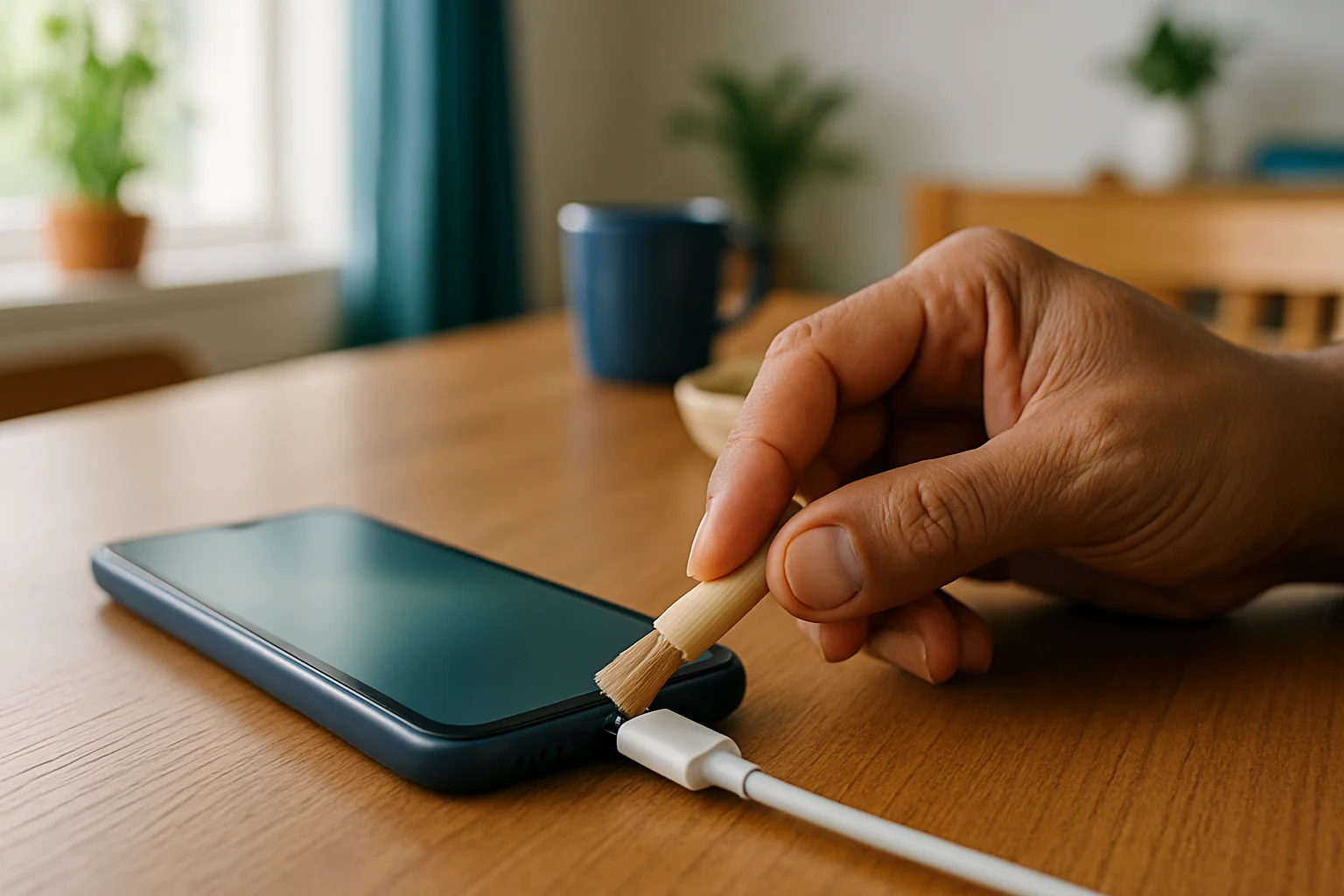
- Inspect the charging port using a torch. Gently remove dust or lint using a wooden toothpick or soft brush—never metal.
- Swap your charging cable and adapter with a known-good set. Use original or certified accessories if possible.
- Plug into a different wall socket or try a USB port on your laptop. Sometimes the socket is at fault, not your phone.
- For wireless charging, check if the charging pad is powered and your phone is properly aligned. Remove any thick cases or metal rings.
If your phone still refuses to charge, it’s time to check the software settings.
What Settings Should I Check on My Android or iPhone?
You can rule out many software hiccups with a few simple checks. For Android:
- Open Settings > Battery (on Samsung, Settings > Device care > Battery).
- Make sure Battery Saver is off—some brands call this Power Saving Mode.
- Restart the phone. Sometimes, background apps or a stuck system process block charging.
- Check for Android updates under Settings > System > Software Update.
On iPhone:
- Restart the phone by holding the Power button and swiping to power off.
- Go to Settings > General > Software Update and install any pending iOS updates.
- Look for alerts like ‘Liquid Detected in Lightning Connector.’ If you see this, disconnect immediately and let the port dry.
- Try charging the phone while it’s powered off.
For both, it’s good to remove the case and check the port again—cases can sometimes interfere with the cable fit.
You’ll find more details in the Apple charging support page and Google Pixel battery help.
How Do I Tell If the Problem Is the Cable, Adapter, or Port?
A methodical swap test is the fastest way to isolate the problem:
- Use your cable and adapter to charge another phone. If it charges, your phone is likely the issue.
- Use another working cable and adapter with your phone. If it charges, your old cable or adapter is faulty.
- If neither works, and your phone doesn’t charge with any combination, the charging port or internal battery could be at fault.
If the port feels loose or the cable won’t stay in, the port may need professional repair. Cheap cables and adapters are often the first to fail, especially during voltage spikes in Indian homes.
When Should I Visit a Service Centre in India?
If you’ve tried all the above and your phone still won’t charge, it’s safer to get expert help. Head to a service centre when:
- Cleaning the port, changing cables, and restarting don’t help.
- The phone heats up abnormally during charging, or you see error messages.
- The charging port is visibly damaged or the cable keeps slipping out.
- The device is still under warranty—only visit an authorised centre to avoid voiding coverage.
For out-of-warranty devices, ask for a repair quote first. Sometimes the battery or port repair costs more than your phone’s resale value. If so, consider your next step carefully.
Is It Time to Sell Your Phone Instead of Repairing It?
If your phone is out of warranty and repair costs are high, or if repeated repairs haven’t solved the charging issue, selling might be smarter than fixing. In many cases, a new battery or port replacement on an older model costs nearly as much as a newer used device.
Platforms like Cashit accept phones and other devices with charging faults. Your online quote is an estimate based on the details you give. The final offer is confirmed after the doorstep inspection, and you're paid by UPI or bank transfer once you accept it. You can also check how to sell old electronics online with Cashit for a full walkthrough, or go straight to sell used Mobile or sell used Laptop if it’s a different device that’s acting up.
If your device is worth less than the cost of parts and labour, it usually makes more sense to sell and upgrade. Don’t forget, selling faulty electronics through the right channels helps with safe e-waste management too.
What Common Mistakes Should I Avoid While Troubleshooting?
- Don’t poke sharp objects (like pins or blades) into the charging port—this can short-circuit or bend delicate pins inside.
- Avoid using non-branded or uncertified cables and adapters, especially during power cuts or voltage spikes.
- Don’t ignore overheating, swelling, or persistent error messages. Using a faulty battery or port can risk a fire or more serious hardware failure.
- If you’re not confident in your repair skills, seek professional help. A botched repair is usually costlier to fix later.
What to Do Next: Repair or Sell?
If your phone still won’t charge after these steps, and it’s out of warranty or not worth repairing, selling is usually the hassle-free path. On Cashit’s sell page, you can get an estimate in minutes, schedule doorstep pickup, and get paid instantly once you accept the final offer after inspection. For devices with faults, selling saves you the trouble and cost of repeated repairs—and puts some cash back in your pocket.
Frequently asked questions
Can I fix a phone that only charges at certain angles?
If your phone charges only when the cable is held at a specific angle, the charging port is likely loose or damaged. Avoid forcing the cable, as this can make the issue worse, and get the port checked at a professional service centre.
Is it safe to use my phone while charging if it heats up?
If your phone heats up noticeably while charging, stop using it and unplug immediately. Overheating could point to a battery or hardware fault, which is unsafe; get it checked by a professional.
What should I do if my phone says ‘liquid detected in port’?
Disconnect the charger and let your phone dry completely, preferably upright in a cool, ventilated place. Do not try to charge or use a hairdryer; moisture sensors need time to clear before it’s safe to charge again.
How do I know if my charger or my phone is at fault?
Test your charger and cable with another device, and try a known-good charger with your phone. If only your phone fails with all chargers, the problem is likely with your phone’s port or battery.
Does using a non-original charger damage my phone?
Using uncertified or cheap chargers can risk damage, especially during power fluctuations common in India. Stick to original or certified accessories for safety and longer device life.
Not worth repairing? Sell it as it is
Ready to sell your old device? Get a free instant quote on Cashit, choose a doorstep pickup slot, and get paid by UPI or bank transfer after inspection.
Check my device's priceComments
No comments yet. Be the first to share your thoughts!