

Laptop Battery Not Charging? Easy Fixes for Windows and Mac Users in India
How-to & fixes · 7 min read
Quick answer
If your laptop battery isn’t charging after trying another charger, checking the port and updating software, your battery or hardware probably needs repair or replacing. If repairs aren’t worth it, you can sell it as-is; payment is made after inspection and confirmation at your doorstep.
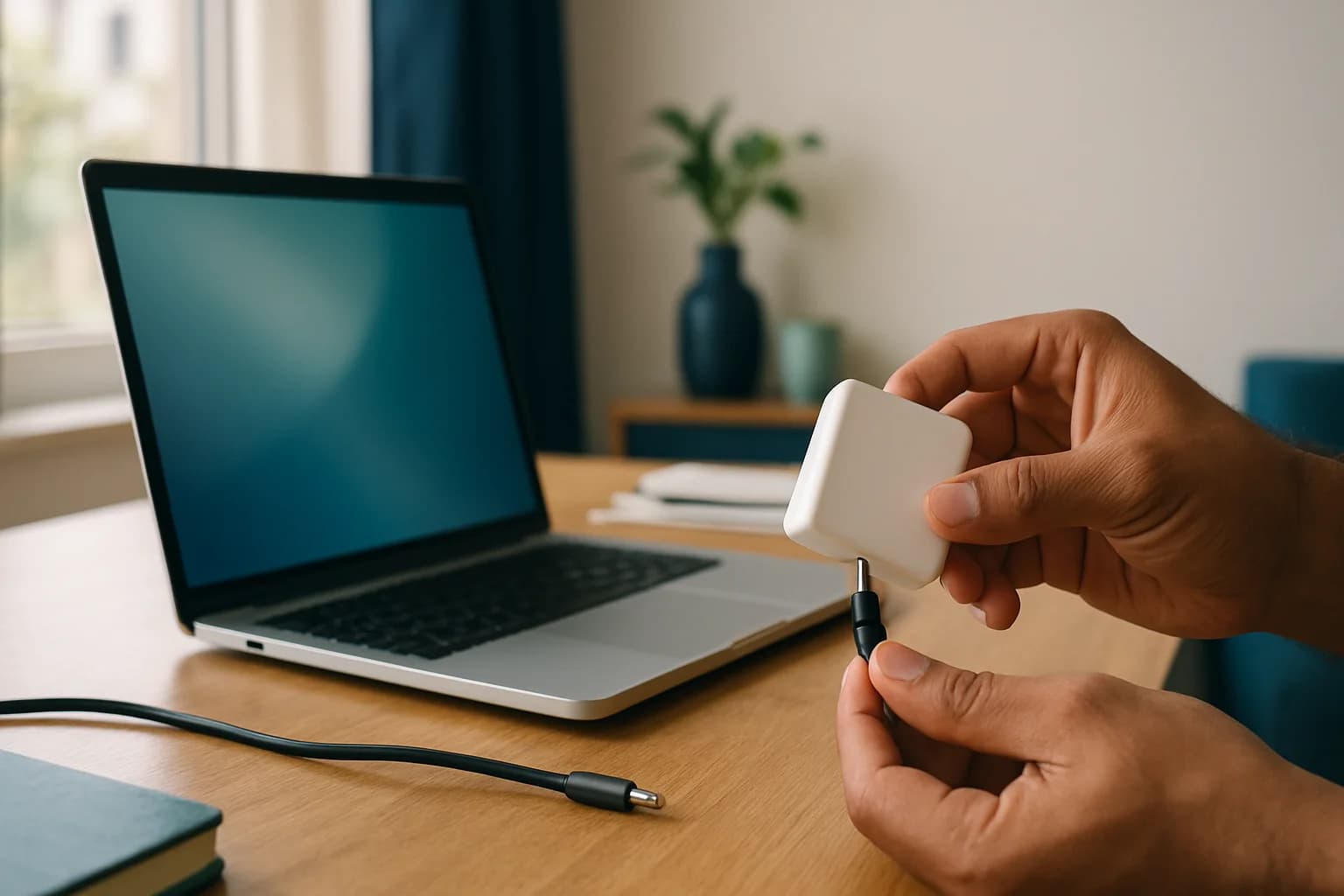
Your laptop battery refuses to charge, and now you’re stuck near a plug point, eyeing that icon and wondering if it’s a simple fix or if your device is about to cost you money. Before you shell out for a new battery or rush to a service centre, get your hands dirty—try another charger, swap sockets, and check if the port’s clogged with dust or loose.
Key takeaways
- Charger, cable, adapter, battery age, or a minor software glitch cause most laptop charging issues.
- Start with the basics: swap chargers and sockets, inspect for dust, and avoid guessing the culprit.
- Windows and Mac laptops both offer built-in tools to help you isolate the problem.
- Indian homes see power cuts, voltage swings, and overloaded multi-plugs—these create unique headaches.
- If batteries or parts are too expensive or hard to source, selling as-is is often smarter than fixing.
Why Is My Laptop Battery Not Charging? (Spot the Problem Fast)
Most often, it’s one of these: dodgy charger/cable, bad socket, dying battery, outdated driver, heat, or a busted charging port. Sometimes the battery’s not detected, or you’ll see “plugged in, not charging.” Charging lights might stay off no matter what you do.
Here’s a quick cheat-sheet for symptoms and what they usually mean:
| Symptom | Likely Reason | What to Check |
|---|---|---|
| Plugged in, not charging | Battery health, drivers | Battery settings, Device Manager |
| No charging LED | Adapter, port, socket | Try another charger/socket |
| Battery not detected | Dislodged or faulty battery | Reseat or replace battery |
| Laptop heats up while charging | Faulty battery, dust | Battery health, vents, ambient |
In India, frequent power cuts and cheap universal adapters mess with charging. Some folks buy knockoff batteries to save a few rupees, but they can end up damaging the laptop or cutting battery life short. Stick with genuine parts when possible.
Quickest Way to Rule Out Simple Issues
Swap the easy stuff: try a different wall socket (not a crowded multi-plug), and if you have a spare charger or cable, use that. Watch for the charging LED or icon—if nothing changes, check the brick and cables for frays or burn marks. Peer into the charging port for dust, lint, or bent pins.
Don’t blame the battery right away. In Indian hostels and homes, it’s often a dodgy extension cord or a half-dead power strip. Skipping these checks can waste your time and money.
How to Fix Charging Issues on Windows Laptops
Once you’re sure chargers and sockets aren’t the problem, try this:
- Restart your laptop with the charger connected—sometimes Windows just needs a reboot.
- In Settings > System > Power & Battery, see if it’s recognised and charging.
- Run Windows’ battery troubleshooter (Settings > Update & Security > Troubleshoot > Power).
- Update battery drivers (Right-click Start > Device Manager > Batteries > Update driver).
- Install any pending Windows updates.
- With removable batteries, shut down, take out the battery, clean contacts, reinsert, and boot up.
- Reset power plans in Control Panel > Power Options.
- Try charging with the laptop off—if it works then, you may need a driver or firmware update.
Microsoft’s official battery troubleshooting page offers deeper fixes if these don’t work.
How to Fix Charging Issues on MacBooks
MacBooks have their own quirks. Here’s what to do:
- Shut down, wait 30 seconds, then restart with charger connected.
- Inspect the charging port—MagSafe: check for stuck pins/grime; USB-C: blow out dust.
- On Intel Macs, reset SMC (Shift+Control+Option+Power for 10 seconds).
- Check battery health (Apple menu > System Settings > Battery > Battery Health). “Service Recommended” means the battery’s likely done.
- Update macOS (Apple menu > System Settings > General > Software Update).
- Try a different charger/cable, preferably original.
- Plug in and close the lid for a few minutes, then check again.
Apple’s Mac notebook battery troubleshooting guide covers more.
When to Head to a Service Centre
You’ve tried new chargers, sockets, resets, and checked for dust or cable damage—still no luck? Time for the experts. Go to a service centre if:
- The battery is swollen (bulging base, stiff trackpad), leaking, or the laptop gets hot while charging.
- The charging port feels loose, wobbly, or looks damaged.
- The laptop stays dead on all chargers.
- Sparks, burning smells, or other physical signs appear.
Don’t risk DIY repairs on hardware unless you know what you’re doing. If you’ve done the basics and it’s still not charging, get it checked out.
Should You Repair or Sell a Laptop That Won’t Charge?
If your laptop’s old, out of warranty, or battery replacements cost almost as much as a good used machine, repairs might not be worth it. Older models often need hard-to-find batteries or parts. Cheaper, non-original batteries rarely last and might cause more problems.
Ask yourself:
- How old is the laptop, and are genuine parts available locally?
- Does the repair cost approach what you could get selling it as-is?
- Are there other issues (screen, keyboard, motherboard)? If yes, skip repairs.
- Is the warranty long over? If so, sinking more money might not pay off.
In most major Indian cities, selling a laptop with charging issues is straightforward. Sometimes you’ll get a better deal selling it as-is than repairing and then reselling. To get a ballpark idea of your laptop’s value, check Sell used Laptop for an instant quote online. Just keep in mind: that price is based on the info you provide, so the final amount may differ once the laptop’s checked at pickup. After the in-person check, Cashit confirms the offer, and if you agree, your payment comes straight to your UPI or bank once you say yes.
Want to know what else affects your device’s value? Here’s What Lowers Your Phone or Laptop's Resale Value Most?
How to Sell a Laptop That’s Not Charging (and What to Expect)
You can sell a laptop even if the battery is dead or it won’t charge. On Cashit, just specify exactly what doesn’t work—dead battery, screen trouble, or other issues. The price you see online depends on what you tell Cashit about the laptop’s problem, and it’s meant as a quick reference. If you describe the laptop’s condition honestly, what’s quoted online will usually come pretty close to the final offer. A technician checks the device at pickup, then Cashit tells you the exact amount, and if you’re good with it, UPI or bank transfer happens right after you confirm. You don’t hand over your laptop until your payment’s done, so your device stays with you until the money arrives.
Doorstep pickup is available in most serviceable cities, and you can choose a date and time that works for you. If you’ve got other gadgets—a phone, tablet, smartwatch, or more—you can use the same estimator tool for each category to see your instant quote. Again, all quotes are estimates and the final price depends on actual condition at inspection.
Decision Checklist: Repair or Sell?
| Question | If YES, Consider Selling | If NO, Try Repair First |
|---|---|---|
| Out of warranty or older than 3-4 years? | ✅ | |
| Battery + repair cost nearly matches resale value? | ✅ | |
| Parts are hard to find or only non-original available? | ✅ | |
| Other faults besides charging (screen, keyboard, motherboard)? | ✅ | |
| Still under warranty or new? | ✅ |
If most answers lean left, it’s time to sell. If not, a repair may be worthwhile.
What Next?
Start by swapping chargers, sockets, and checking for dust or damage. If none of the fixes work and repairs cost too much or aren’t worth it, selling your laptop in its current condition is often the best way to avoid future hassle. To see your resale value, visit Sell used Laptop, fill in the details honestly for a fair quote, and schedule a pickup when you’re ready.
Frequently asked questions
Can I use my laptop without a battery if it’s not charging?
Most laptops will run directly off AC power if the battery doesn’t work, but they’ll shut off instantly if power goes out. MacBooks with sealed, non-functional batteries usually won’t power on at all.
Will a faulty charger damage my laptop battery?
A bad or cheap charger can harm your battery and may even damage the motherboard. Always use a genuine or certified charger that matches your laptop’s voltage and wattage.
How do I know if my laptop battery needs replacement?
If your laptop only works when plugged in, doesn’t hold a charge, or reports 'replace soon' or 'service recommended', it’s time for a new battery. Swollen or leaking batteries need urgent replacement.
Does replacing the laptop battery void its warranty?
Battery replacements at authorised service centres keep your warranty safe. DIY or non-authorised replacements can void warranty and risk device safety. Always check your warranty terms first.
Can I sell my laptop if the battery is dead?
Yes, you can sell your laptop even with a dead battery. The price depends on the laptop’s overall condition and any faults. Giving an accurate description helps you get the most reliable estimate.
Not worth repairing? Sell it as it is
Ready to sell your old device? Get a free instant quote on Cashit, choose a doorstep pickup slot, and get paid by UPI or bank transfer after inspection.
Check my device's priceComments
No comments yet. Be the first to share your thoughts!